1 System setup
1.1 Setting up a local fork of the bmm repository
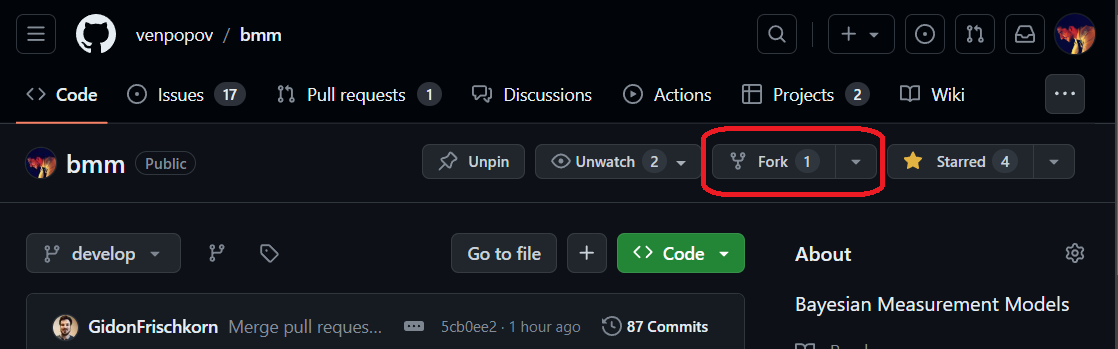
Fork the bmm GitHub repository. This creates a copy of the repository in your own GitHub account.
Clone your fork to your local machine, and add the main repository as a remote so that you can keep your branch up to date:
git remote add upstream https://github.com/popov-lab/bmm.git.Create a branch for your model. Branch from
develop, or, if the issue for your model is planned for a later release, from that release’s integration branch (dev-x.y.0); the issue’s milestone tells you which. Name the branch after the issue, as<issue-number>-short-description(for example349-lba-model), so that branch, issue and pull request are easy to line up.
1.2 Prerequisites
The bmm package requires R >= 4.1.0 (for the native pipe |>). It works with both the rstan and the cmdstanr backend. We recommend cmdstanr, which compiles faster and gives better error messages, and the tests that compile Stan code need it:
Once bmm is loaded (with load_all(), below), bmm_setup() checks the C++ toolchain, cmdstanr with CmdStan, rstan, and the backend bmm() will use. It then compiles and samples a small test model and suggests a fix for every check that failed. Run it before your first fit.
1.3 Package development with devtools
Development runs on the devtools package, whichever editor you work in. The repository ships a bmm.Rproj file, so opening it in RStudio or Positron starts a session in the package root; in any other editor, start R in the repository directory. R Packages is the standard tutorial. The steps you will repeat:
Install the development tools and bmm’s dependencies once:
Load the package from your local files whenever you change the code:
Do not call
library(bmm)or source the files, as that loads the installed version, not the one you are working on.Before you open a pull request, regenerate the documentation, run the tests and check the package, in this order:
1.4 Running the tests
test() runs tests/testthat/ in parallel. Two kinds of test there skip themselves when your machine cannot run them:
- Tests that compile Stan code need CmdStan. Set
BMM_TEST_STAN=falsein your environment to skip them deliberately. - Tests that read a stored fit need
tests/testthat/assets/, which is left out of the built package, so they skip insidecheck().
Tests that actually sample live in tests/local/ and never run in test() or check(). They are not required for a pull request, because a weekly CI job runs them, but you can run them with Rscript tests/local/run.R. Run test(reporter = "slow") before a pull request as well: the suite has a time budget that CI enforces, and this reporter shows which of your tests are slow. Chapter 5 says which tests a new model needs.
1.5 Untracked scratch work
Development produces files that belong on your machine rather than in the package: exploratory scripts, fitted model objects, scratch data. bmm’s .gitignore excludes a local/ folder at the root of the repository for this purpose, so anything you put there stays out of your commits. (tests/local/ is a different folder and is tracked.) Your parameter recovery script can live there, but the reviewer has to see its results; Chapter 5 says how.